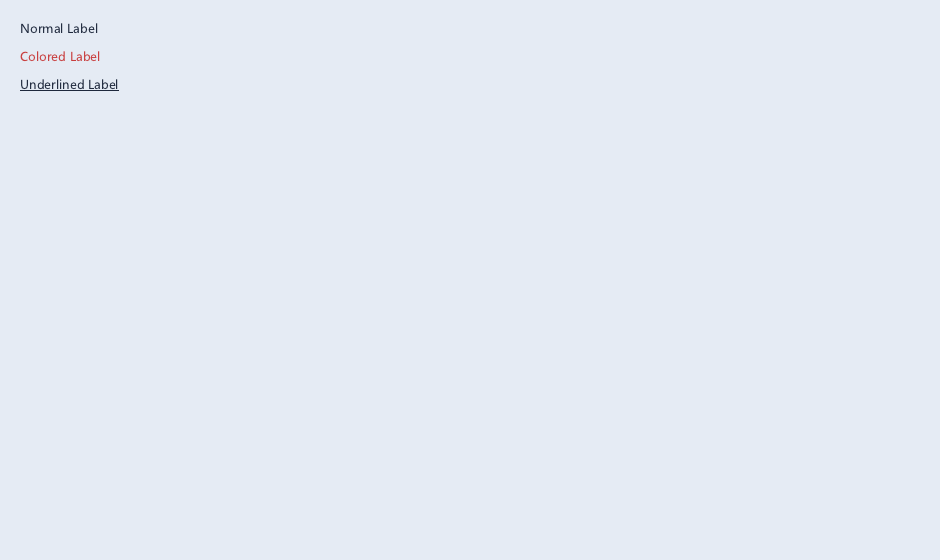
概念
Label 用于显示静态文本,是 UI 中出现频率最高的控件:
• 支持多行文本、自动换行
• 可设置字体、颜色、对齐方式
• 支持下划线装饰和段落间距
• 禁用态自动切换 DisabledTextColor
API 速查
| 函数 | 说明 |
|---|---|
int xuiLabelCreate(xui_context pCtx, xui_widget* ppW, const xui_label_desc_t* pDesc) | 创建标签 |
int xuiLabelSetText(xui_widget pW, const char* sText) | 设置文本 |
const char* xuiLabelGetText(xui_widget pW) | 获取文本 |
int xuiLabelSetFont(xui_widget pW, xui_font pFont) | 设置字体 |
int xuiLabelSetTextColor(xui_widget pW, uint32_t iColor) | 设置文本颜色 |
int xuiLabelSetDisabledTextColor(xui_widget pW, uint32_t iColor) | 禁用态颜色 |
int xuiLabelSetTextFlags(xui_widget pW, uint32_t iFlags) | 对齐标志 |
int xuiLabelSetWrapMode(xui_widget pW, int iMode) | 换行模式 |
int xuiLabelSetUnderline(xui_widget pW, int bUnderline) | 下划线 |
int xuiLabelSetLineGap(xui_widget pW, float fGap) | 行间距 |
int xuiLabelSetParagraphGap(xui_widget pW, float fGap) | 段落间距 |
编译本章示例
gcc -O2 -I. -o ch131.exe ch131_main.c src\xui_*.c build\xge.lib -lm -lws2_32 -liphlpapi -lgdi32 -luser32 -lshell32 -lopengl32 -lole32 -lwinmm -lavrt
.\ch131.exe
示例:多行标签
xui_label_desc_t desc = { 0 };
desc.sText = "欢迎使用 XGE 引擎\n第二行文本";

xui_widget pLabel;
xuiLabelCreate(pCtx, &pLabel, &desc);

// 设置字体和颜色
xuiLabelSetFont(pLabel, pMyFont);
xuiLabelSetTextColor(pLabel, 0xFFE0E0E0);

// 自动换行 + 行间距
xuiLabelSetWrapMode(pLabel, 1);
xuiLabelSetLineGap(pLabel, 4.0f);
xuiLabelSetParagraphGap(pLabel, 8.0f);

// 添加到父容器
xuiWidgetAddChild(pParent, pLabel);
完整代码
将以下代码保存为 ch131_main.c,编译后运行即可看到 Label 多行文本显示:
#include "xge.h"
#include "xui.h"
#include <stdio.h>

static xui_context g_pCtx;
static xui_widget  g_pLabel;
static int         g_nFrame = 0;

static int onFrame(void* pUser) {
    (void)pUser;
    xgeClear(0x081114FF);

    // 每 60 帧更新 FPS 显示
    if (++g_nFrame % 60 == 0) {
        char buf[64];
        sprintf(buf, "FPS: %.1f\nFrame: %d",
            1.0f / xgeGetDelta(), g_nFrame);
        xuiLabelSetText(g_pLabel, buf);
    }

    xuiUpdate(g_pCtx, xgeGetDelta());
    xuiLayout(g_pCtx);
    xuiRender(g_pCtx, NULL, NULL, 0);
    return XGE_OK;
}

int main(void) {
    xge_desc_t d = {0};
    d.iWidth  = 800;
    d.iHeight = 600;
    d.sTitle  = "ch131 - Label";
    d.iFlags  = XGE_INIT_VSYNC;
    xgeInit(&d);

    xuiCreate(&g_pCtx);
    extern const xui_proxy_t tXgeProxy;
    xui_proxy_t tXgeProxy = xuiProxyXge();
xuiSetProxy(g_pCtx, &tXgeProxy);
    xuiSetViewportSize(g_pCtx, 800, 600);

    // 创建多行标签
    xui_label_desc_t desc = { 0 };
    desc.sText = "XGE Engine Tutorial\nChapter 131 - Label";
    xuiLabelCreate(g_pCtx, &g_pLabel, &desc);
    xuiLabelSetTextColor(g_pLabel, 0xFFE0E0E0);
    xuiLabelSetWrapMode(g_pLabel, 1);
    xuiLabelSetLineGap(g_pLabel, 4.0f);
    xuiWidgetSetRect(g_pLabel,
        (xui_rect_t){ 50, 50, 400, 200 });

    xgeRun(onFrame, NULL);

    xuiDestroy(g_pCtx);
    xgeUnit();
    return 0;
}
代码讲解
- xuiLabelCreate:创建标签控件,通过 desc 设置初始文本。
- xuiLabelSetText:动态更新文本,自动触发布局重算。
- xuiLabelSetWrapMode:设为 1 启用自动换行。
- xuiLabelSetLineGap:设置行间距,改善多行可读性。
- FPS 显示:每 60 帧更新一次文本,演示动态 Label。
要点与陷阱
- TextFlags:控制水平/垂直对齐(左/中/右 × 顶/中/底)。
- WrapMode:0=不换行(截断),1=自动换行。
- 禁用态:SetDisabled 后自动使用 DisabledTextColor。
- 性能:频繁 SetText 会触发布局重算,批量更新时注意。
进阶练习
- 实现 FPS 显示标签:每帧更新文本。
- 多段落富文本:不同段落设置不同间距。