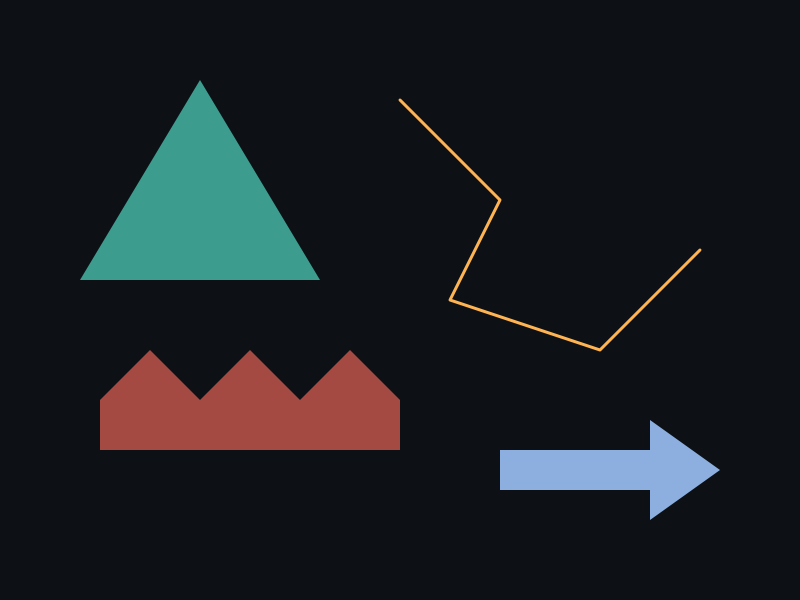
概念
- MoveTo:移动"画笔"到指定位置,开始新的子路径(不产生线段)。
- LineTo:从当前位置画直线到目标点。
- Close:从当前位置画直线回到子路径起点,闭合路径。
- AppendLine:快捷方式,一次添加一条独立线段(自动 MoveTo + LineTo)。
- AppendPolyline:一次添加多段连续折线。
API 速查
| 函数 | 说明 |
|---|---|
int xgeShapeExMoveTo(xge_shape_ex pShape, float fX, float fY) | 移动画笔(新子路径起点) |
int xgeShapeExLineTo(xge_shape_ex pShape, float fX, float fY) | 画直线到目标点 |
int xgeShapeExClose(xge_shape_ex pShape) | 闭合当前子路径 |
int xgeShapeExAppendLine(xge_shape_ex pShape, float fX1, float fY1, float fX2, float fY2) | 追加独立线段 |
int xgeShapeExAppendPolyline(xge_shape_ex pShape, const xge_vec2_t* pPoints, int iPointCount) | 追加折线 |
编译本章示例
gcc -O2 -I. -o ch36.exe ch36_main.c build\xge.lib -lm -lws2_32 -liphlpapi -lgdi32 -luser32 -lshell32 -lopengl32 -lole32 -lwinmm -lavrt
.\ch36.exe
示例 1:三角形路径
xge_shape_ex tri = NULL;
xgeShapeExCreate(&tri);

xgeShapeExMoveTo(tri, 400, 100);   // 顶点
xgeShapeExLineTo(tri, 250, 400);   // 左下
xgeShapeExLineTo(tri, 550, 400);   // 右下
xgeShapeExClose(tri);                // 闭合回顶点

xgeShapeExFillColor(tri, 0x4FD8C2FF);
xgeShapeExDraw(tri, 0.25f);
示例 2:AppendLine 快捷方式
xge_shape_ex cross = NULL;
xgeShapeExCreate(&cross);

// 两条交叉线(无需手动 MoveTo)
xgeShapeExAppendLine(cross, 100,100, 300,300);
xgeShapeExAppendLine(cross, 300,100, 100,300);

xgeShapeExStrokeColor(cross, 0xFF6B5EFF);
xgeShapeExStrokeWidth(cross, 3.0f);
xgeShapeExDraw(cross, 0.25f);
示例 3:AppendPolyline 折线
// 心电图折线
xge_vec2_t pts[] = {
    {50,300}, {150,300}, {180,200},
    {210,400}, {240,250}, {270,300},
    {400,300}
};

xge_shape_ex ecg = NULL;
xgeShapeExCreate(&ecg);
xgeShapeExAppendPolyline(ecg, pts, 7);

xgeShapeExStrokeColor(ecg, 0x4FD8C2FF);
xgeShapeExStrokeWidth(ecg, 2.0f);
xgeShapeExDraw(ecg, 0.25f);
完整代码
将以下代码保存为 ch36_main.c,编译后运行即可看到 MoveTo/LineTo/Close 与 AppendPolyline 的路径构建效果:
#include "xge.h"
#include <math.h>

static int onFrame(void* pUser) {
    (void)pUser;
    xgeClear(0x081114FF);

    // 三角形路径(填充)
    xge_shape_ex tri = NULL;
    xgeShapeExCreate(&tri);
    xgeShapeExMoveTo(tri, 200, 60);
    xgeShapeExLineTo(tri, 80, 280);
    xgeShapeExLineTo(tri, 320, 280);
    xgeShapeExClose(tri);
    xgeShapeExFillColor(tri, 0x4FD8C2FF);
    xgeShapeExDraw(tri, 0.25f);
    xgeShapeExDestroy(tri);

    // 正弦波折线(AppendPolyline)
    xge_vec2_t wave[100];
    for (int i = 0; i < 100; i++) {
        wave[i].fX = 50 + i * 7.0f;
        wave[i].fY = 430 + 60 * sinf(i * 0.15f);
    }
    xge_shape_ex ecg = NULL;
    xgeShapeExCreate(&ecg);
    xgeShapeExAppendPolyline(ecg, wave, 100);
    xgeShapeExStrokeColor(ecg, 0xFFB454FF);
    xgeShapeExStrokeWidth(ecg, 2.5f);
    xgeShapeExDraw(ecg, 0.25f);
    xgeShapeExDestroy(ecg);

    return XGE_OK;
}

int main(void) {
    xge_desc_t d = {0};
    d.iWidth  = 800;
    d.iHeight = 600;
    d.sTitle  = "ch36 - Path LineTo";
    d.iFlags  = XGE_INIT_VSYNC;
    xgeInit(&d);
    xgeRun(onFrame, NULL);
    xgeUnit();
    return 0;
}
代码讲解
- MoveTo/LineTo/Close:构建闭合三角形路径,Close 自动生成正确的连接(Join)。
- AppendPolyline:一次传入 100 个采样点,快速生成正弦波折线。
- 即时创建/销毁:本例每帧创建并销毁,实际应用中应缓存对象避免重复分配。
- Stroke 样式:设置 StrokeColor + StrokeWidth 后 Draw 即绘制描边。
要点与陷阱
- 未 MoveTo 就 LineTo:如果没有先 MoveTo,LineTo 默认从 (0,0) 开始。
- Close 与 LineTo 回起点:Close 会生成正确的连接(Join),LineTo 回起点则不会。
- 多子路径:多次 MoveTo 可创建多个子路径(如字母"O"的内外圈)。
- Polyline 不闭合:AppendPolyline 生成开放折线。闭合多边形用 AppendPolygon(第 39 章)。
- tolerance 参数:Draw 的 fTolerance 控制曲线细分精度,直线段不受影响。
进阶练习
- 用 MoveTo/LineTo/Close 绘制一个五角星路径并填充。
- 实现"手绘"功能:鼠标移动时用 LineTo 追加点,实时绘制轨迹。
- 用 AppendPolyline 绘制一个正弦波(采样 100 个点)。