概念
- Draw / DrawPx:世界坐标 / 像素坐标绘制。
- DrawEx / DrawPxEx:额外接受父矩阵和父透明度,用于场景图继承。
- Tolerance:曲线细分精度,越小越平滑(推荐 0.25)。
API 速查
| 函数 | 说明 |
|---|---|
int xgeShapeExDraw(xge_shape_ex pShape, float fTolerance) | 世界坐标绘制 |
int xgeShapeExDrawPx(xge_shape_ex pShape, float fTolerance) | 像素坐标绘制 |
int xgeShapeExDrawEx(xge_shape_ex pShape, float fTolerance, const xge_shape_ex_matrix_t* pParentMatrix, float fParentOpacity) | 带父变换绘制 |
int xgeShapeExDrawPxEx(xge_shape_ex pShape, float fTolerance, const xge_shape_ex_matrix_t* pParentMatrix, float fParentOpacity) | 像素坐标 + 父变换 |
编译本章示例
gcc -O2 -I. -o ch62.exe ch62_main.c build\xge.lib -lm -lws2_32 -liphlpapi -lgdi32 -luser32 -lshell32 -lopengl32 -lole32 -lwinmm -lavrt
.\ch62.exe
示例 1:基础绘制
xge_shape_ex shape = NULL;
xgeShapeExCreate(&shape);
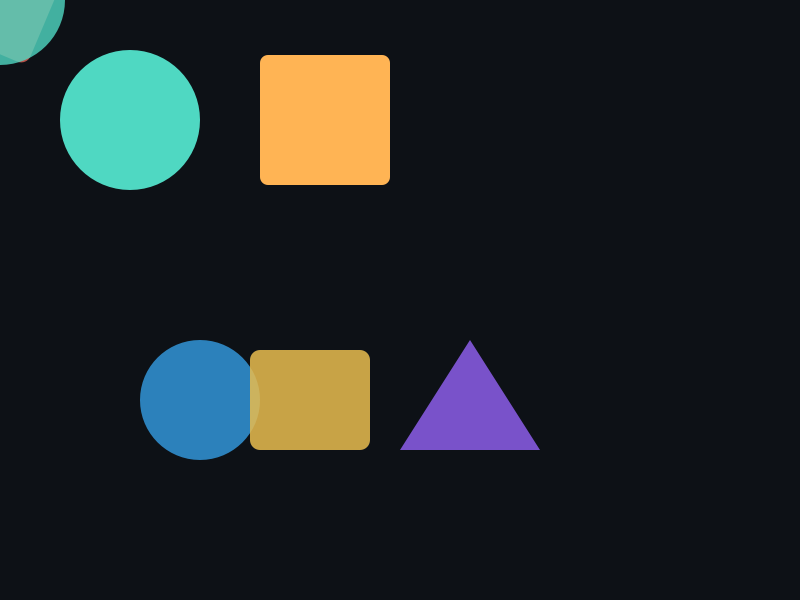
xgeShapeExAppendCircle(shape, 400, 300, 100, 100, 1);
xgeShapeExFillColor(shape, 0x4FD8C2FF);

// 世界坐标绘制
xgeShapeExDraw(shape, 0.25f);
示例 2:父矩阵继承
// 父变换:平移 + 缩放
xge_shape_ex_matrix_t parent;
xgeShapeExMatrixIdentity(&parent);
xgeShapeExMatrixScale(&parent, 2.0f, 2.0f);
xgeShapeExMatrixTranslate(&parent, 100, 50);

// 子 Shape 继承父变换 + 父透明度 0.5
xgeShapeExDrawEx(shape, 0.25f, &parent, 0.5f);
完整代码
将以下代码保存为 ch62_main.c,编译后运行即可看到 DrawEx 父变换继承效果:
#include "xge.h"

static float s_fAngle = 0.0f;

static int onFrame(void* pUser) {
    (void)pUser;
    xgeClear(0x081114FF);
    s_fAngle += 0.01f;

    // 父变换:旋转 + 平移
    xge_shape_ex_matrix_t parent;
    xgeShapeExMatrixIdentity(&parent);
    xgeShapeExMatrixRotate(&parent, s_fAngle);
    xgeShapeExMatrixTranslate(&parent, 400, 300);

    // 子 Shape 1:继承父变换 + 父透明度 0.8
    xge_shape_ex s1 = NULL;
    xgeShapeExCreate(&s1);
    xgeShapeExAppendRect(s1, -120,-40, 100,80, 8,8, 1);
    xgeShapeExFillColor(s1, 0x4FD8C2FF);
    xgeShapeExDrawEx(s1, 0.25f, &parent, 0.8f);
    xgeShapeExDestroy(s1);

    // 子 Shape 2:继承父变换 + 父透明度 0.5
    xge_shape_ex s2 = NULL;
    xgeShapeExCreate(&s2);
    xgeShapeExAppendRect(s2, 20,-40, 100,80, 8,8, 1);
    xgeShapeExFillColor(s2, 0xFFB454FF);
    xgeShapeExDrawEx(s2, 0.25f, &parent, 0.5f);
    xgeShapeExDestroy(s2);

    // 普通 Draw 对比(不受父变换影响)
    xge_shape_ex s3 = NULL;
    xgeShapeExCreate(&s3);
    xgeShapeExAppendCircle(s3, 400, 300, 30, 30, 1);
    xgeShapeExFillColor(s3, 0xFFFFFF80);
    xgeShapeExDraw(s3, 0.25f);
    xgeShapeExDestroy(s3);
    return XGE_OK;
}

int main(void) {
    xge_desc_t d = {0};
    d.iWidth  = 800;
    d.iHeight = 600;
    d.sTitle  = "ch62 - DrawEx";
    d.iFlags  = XGE_INIT_VSYNC;
    xgeInit(&d);
    xgeRun(onFrame, NULL);
    xgeUnit();
    return 0;
}
代码讲解
- Draw:世界坐标绘制,经过相机变换。
- DrawEx:额外接受父矩阵和父透明度,实现层级变换继承。
- fParentOpacity:与 Shape 自身 Opacity 相乘,1.0 = 无额外衰减。
- pParentMatrix=NULL:等同于 Draw(无父变换)。
- DrawPx:像素坐标绘制,不经过相机变换,适合 UI 元素。
要点与陷阱
- Visible = 0 时:Draw 直接返回成功,不产生绘制。
- Tolerance 选择:0.25 适合大多数场景;放大视图可降低到 0.1。
- Draw vs DrawPx:Draw 经过相机变换,DrawPx 直接像素坐标。
- fParentOpacity:与 Shape 自身 Opacity 相乘,1.0 = 无额外衰减。
- pParentMatrix = NULL:等同于 Draw(无父变换)。
进阶练习
- 构建父子层级:父节点旋转,子节点自动跟随。
- 实现 LOD:根据缩放级别动态调整 Tolerance。